The Complete Guide to Email Deliverability in 2026
Email deliverability determines whether your emails land in the inbox or spam. In 2026, the average deliverability rate is 85% — meaning 1 in 6 emails is never seen. This guide covers authentication, sender reputation, list hygiene, and tools to diagnose and fix every common deliverability problem.
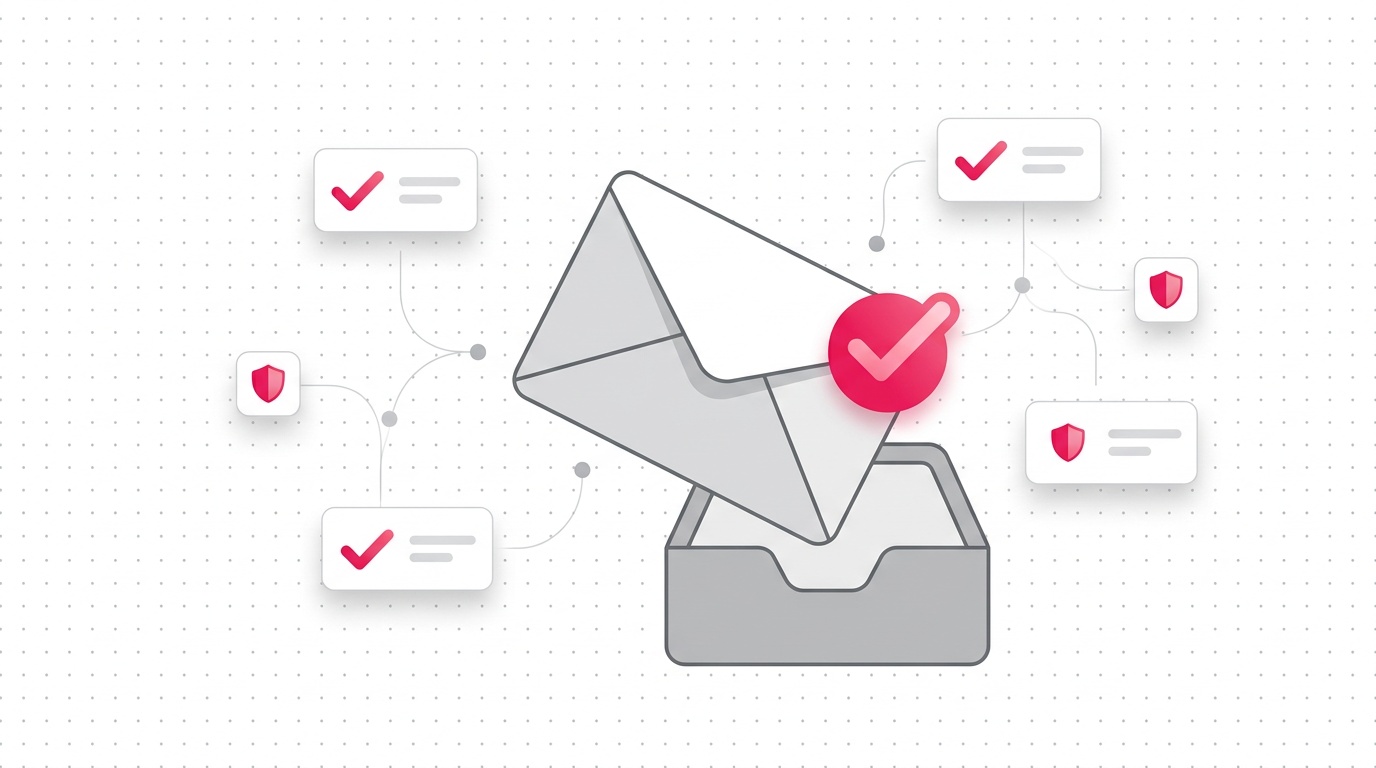
Email deliverability is the measure of how often your emails reach the recipient's inbox — not their spam folder, not their promotions tab, not a void. In 2026, with inboxes more contested than ever, average deliverability rates hover around 85%. That means roughly 1 in 6 emails you send never gets seen. If you're running cold outreach or marketing campaigns, that's not a rounding error — it's a revenue problem I've watched kill entire sales motions.
I've spent years helping B2B companies fix their email infrastructure, and in this guide I'll walk you through everything: what destroys deliverability, how authentication works, how to diagnose problems, and exactly what tools to use to fix them.
What Is Email Deliverability (and Why It's Not What You Think)
Most people confuse email deliverability with email delivery. They're not the same thing.
- Email delivery = the email didn't bounce (it reached the receiving mail server)
- Email deliverability = the email landed in the inbox, not spam
You can have near-perfect delivery rates and still have terrible deliverability if every email you send routes to the promotions or spam folder. ISPs and email providers like Gmail and Microsoft use hundreds of signals to decide where a message lands.
The factors that most impact deliverability are:
- Sender reputation — built from your domain age, sending history, complaint rates
- Email authentication — SPF, DKIM, and DMARC properly configured
- Content quality — spam trigger words, HTML-to-text ratio, link reputation
- List hygiene — how many invalid, catch-all, or unengaged addresses you're emailing
- Infrastructure — dedicated vs. shared sending IPs, warm-up status
I'll go deep on each of these. First, let me show you how to quickly audit where you stand.
How to Test Your Email Deliverability Right Now
Before fixing anything, you need a baseline. Here's how I audit a client's deliverability in under 15 minutes:
Step 1: Run an email authentication check
Go to MXToolbox and check your domain's SPF, DKIM, and DMARC records. If any of these fail, you've found your first problem. You can also use Consulti's free deliverability tools to check SPF, DKIM, and DMARC without leaving your browser.
Step 2: Check your domain against blocklists
Type your sending domain into a blocklist checker. If you're listed on Spamhaus, Barracuda, or SORBS, you need to request removal before doing anything else.
Step 3: Send a test to GlockApps or Mail-Tester
These tools show you exactly which inbox providers place your email in spam vs. inbox. Mail-Tester gives you a score from 0–10 with specific reasons for any deductions.
Step 4: Review your complaint rate in Google Postmaster Tools
If your complaint rate exceeds 0.1%, Gmail will start filtering your mail. Above 0.3% and they may block you outright. Connect your sending domain at postmaster.google.com — it's free.
Email Authentication: SPF, DKIM, and DMARC Explained
Authentication is the foundation of deliverability. Without it, receiving mail servers have no reason to trust that you are who you say you are. These three protocols work together to verify your identity.
SPF (Sender Policy Framework)
SPF is a DNS TXT record that lists which mail servers are authorized to send email on behalf of your domain. When a recipient's mail server receives your email, it checks your SPF record to verify the sending server is on your approved list.
A basic SPF record looks like:
v=spf1 include:_spf.google.com include:sendgrid.net ~all
The ~all at the end means emails that fail SPF are treated as "soft fail" (delivered but marked as suspicious). Use -all for a harder enforcement stance.
Common SPF mistakes:
- Including too many
include:lookups (max is 10 DNS lookups) - Not including all your sending services (Mailchimp, HubSpot, etc. each need their own include)
- Having multiple SPF records (you can only have one — merge them)
DKIM (DomainKeys Identified Mail)
DKIM adds a cryptographic signature to every email you send. The receiving server uses your public key (stored in DNS) to verify the signature. If the email was modified in transit, the signature breaks and the email fails DKIM verification.
Setting up DKIM requires generating a key pair and adding the public key to your DNS as a TXT record. Your email sending provider (Google Workspace, Outlook, Mailgun, etc.) will give you the specific record to add.
For a deeper dive on DKIM and how to implement it, see my guide to SPF, DKIM, and DMARC setup.
DMARC (Domain-based Message Authentication, Reporting and Conformance)
DMARC ties SPF and DKIM together and tells receiving servers what to do when authentication fails. It also gives you reporting — so you can see who's sending email from your domain.
A basic DMARC record:
v=DMARC1; p=none; rua=mailto:dmarc@yourdomain.com
Start with p=none (monitor mode) to gather data without blocking email. Once you've confirmed all your legitimate sending sources are authenticated, move to p=quarantine and eventually p=reject.
In 2024, Google and Yahoo mandated DMARC (even p=none) for bulk senders. By 2026, enforcement has gotten stricter. If you don't have DMARC set up, you're leaving a huge reputation hole open.
Sender Reputation: The Invisible Score That Decides Your Fate
Every domain and IP address has a sender reputation score maintained by ISPs, spam filter vendors, and email providers. You can't see it directly, but you can infer it from your deliverability metrics.
What damages your sender reputation:
- High spam complaint rates — even 0.08% is worth monitoring
- High bounce rates — especially hard bounces (invalid addresses)
- Sending to spam traps — old abandoned addresses reused as spam traps
- Sudden volume spikes — going from 100 to 10,000 emails/day overnight
- Low engagement — emails that are never opened signal irrelevance
What builds your sender reputation:
- Consistent send volumes (warm up gradually)
- High open and reply rates (genuine engagement)
- Clean lists (verified, actively engaged contacts)
- Authentication passing (SPF + DKIM + DMARC all aligned)
- Low unsubscribe and complaint rates
Domain Warming: The Critical First Step
If you're setting up a new sending domain, you must warm it up gradually. ISPs have no history on new domains and default to suspicion. I recommend a 4–6 week warm-up schedule:
| Week | Emails/Day |
|---|---|
| 1 | 20–50 |
| 2 | 50–100 |
| 3 | 100–250 |
| 4 | 250–500 |
| 5 | 500–1,000 |
| 6 | 1,000+ |
Only engage your most responsive contacts during warm-up. High open rates in the early weeks train ISPs to deliver your mail to the inbox.
List Hygiene: Your Most Overlooked Deliverability Lever
I'll be direct: a dirty email list will torpedo your deliverability regardless of how perfect your authentication is. Sending to invalid addresses causes hard bounces. Sending to spam traps gets you blacklisted. Sending to unengaged contacts tanks your engagement metrics.
Types of problematic email addresses:
- Invalid addresses — don't exist, hard bounce immediately
- Catch-all addresses — the server accepts all email for a domain, but the individual inbox may not exist
- Role-based addresses — info@, admin@, support@ are often shared inboxes that generate complaints
- Spam traps — pristine (never used) or recycled (old addresses repurposed by ISPs)
- Unengaged contacts — real people who haven't opened your email in 6+ months
How to clean your list:
- Remove hard bounces immediately after every send
- Run your list through an email verification service to identify invalid and catch-all addresses
- Suppress role-based addresses before outreach campaigns
- Set up a sunsetting workflow to stop emailing contacts who haven't engaged in 6 months
- Use double opt-in for marketing lists
On the verification side, I've tested most of the major tools. For a comparison, see my post on email spam score factors. For B2B outreach specifically, I use Consulti's verification tools to check addresses before importing to my sending sequences.
Email Content and Spam Filters
Modern spam filters don't just look for "FREE MONEY!!!" in the subject line. They analyze hundreds of signals in your email content.
Content factors that trigger spam filters:
- Spammy words and phrases: "Act now," "Limited time offer," "Click here," "Make money fast"
- Excessive capitalization and exclamation marks
- Large images with minimal text — a red flag for promotional email
- Misleading subject lines — using "Re:" or "Fwd:" when there's no prior thread
- Broken HTML — missing closing tags, inline styles that look like templates
- Too many links — especially to domains with poor reputation
- URL shorteners — bit.ly and similar services are blocked by many filters
Content best practices:
- Keep your HTML-to-text ratio balanced (don't send pure image emails)
- Use a single, clear CTA rather than five competing buttons
- Personalize — emails with the recipient's name and company perform better
- Test your email content with a spam scoring tool before sending
- Use a plain-text version alongside your HTML version
Subject line deliverability:
Subject lines affect open rates, not directly deliverability — but low open rates hurt your engagement signals which hurt deliverability. Aim for specific, relevant subject lines that match what's inside the email. Avoid clickbait.
Email Deliverability Tools I Actually Use
I've tested most of the major email deliverability tools and services on the market. Here's what I actually use and recommend:
For authentication checking:
- Consulti's free tools — check SPF, DKIM, DMARC from your browser
- MXToolbox — comprehensive DNS lookup and blacklist checking
- Google Postmaster Tools — Gmail-specific reputation data (free, requires setup)
For inbox placement testing:
- GlockApps — sends test emails to real seed addresses across 90+ providers
- Mail-Tester — quick score with specific recommendations
For email verification:
- Consulti — real-time verification for B2B contacts
- ZeroBounce — bulk list cleaning
- NeverBounce — API-based real-time verification
For monitoring and reporting:
- Valimail — automated DMARC enforcement and reporting
- Dmarcian — DMARC report parsing and visualization
For warming up new domains:
- Lemwarm — automated warm-up with engagement simulation
- Mailreach — warming + monitoring combined
Diagnosing Common Deliverability Problems
Problem: Emails landing in Gmail Promotions tab
The Promotions tab isn't "spam" — it's still delivered. But open rates in Promotions are about 20% lower than Primary. Fix: send more plain-text emails, remove marketing images and multiple CTAs, increase personalization.
Problem: High bounce rates
Check whether bounces are hard (invalid address) or soft (temporary, like a full mailbox). Hard bounces above 2% are a serious signal. Run your list through email verification and remove invalid addresses.
Problem: Listed on a spam blacklist
Identify which list you're on using a multi-DNSBL checker. Each blocklist has its own removal process — most require submitting a request with your sending practices. Spamhaus is the most critical to address first.
Problem: Low open rates despite inbox placement
This is a content and relevance problem, not a technical deliverability issue. Test different subject lines, improve your targeting, and ensure your emails are going to people who actually want them.
Problem: Microsoft/Outlook filtering aggressively
Microsoft's SmartScreen and spam filters are more aggressive than Gmail's. Make sure your domain is registered with Microsoft's JMRP and SNDS programs and your IP has proper reverse DNS (PTR records).
The 2026 Email Deliverability Landscape
A few things have changed in the past 12–18 months that every sender needs to know about:
AI-powered spam filters are mainstream. Gmail, Outlook, and most major providers now use large language models to evaluate email content semantics, not just keywords. Template-sounding, impersonal email gets filtered even if it passes all technical checks.
BIMI (Brand Indicators for Message Identification) adoption has grown. BIMI lets you display your logo next to emails in supported inboxes. It requires a Verified Mark Certificate (VMC) and proper DMARC at p=quarantine or p=reject. It's not required, but it's a trust signal worth investing in if you're serious about email.
Apple Mail Privacy Protection continues to impact open tracking. Apple pre-fetches email content on iOS and macOS, triggering open pixels even if the user never reads the email. Open rates from Apple Mail users are inflated. Weight click rates and reply rates more heavily in your engagement analysis.
Google's spam threshold is tighter. The 0.3% complaint rate hard limit has been enforced with more consistency. I've seen domains with complaint rates of 0.15% face Gmail delivery issues in 2025 and 2026.
Action Plan: Fix Your Email Deliverability in 30 Days
Here's the sequence I use with new clients:
Week 1 — Audit and diagnose
- Run authentication checks on all sending domains (SPF, DKIM, DMARC)
- Check all sending domains and IPs against blacklists
- Set up Google Postmaster Tools and Microsoft SNDS
- Check your current complaint and bounce rates
Week 2 — Fix technical issues
- Implement missing authentication records
- Align DMARC to at least
p=quarantine - Request blacklist removal where necessary
- Set up BIMI if your brand warrants it
Week 3 — Clean your lists
- Verify your email list (remove invalid, flag catch-alls)
- Suppress role-based addresses from cold outreach
- Build a re-engagement campaign for unengaged contacts; suppress non-responders
Week 4 — Improve content and sending practices
- Run your email templates through a spam score checker
- Segment your list and prioritize engaged contacts
- Review and clean your link portfolio
- Test inbox placement with GlockApps or Mail-Tester
If you want to start with a quick audit, use Consulti's free deliverability tools — you can check your SPF, DKIM, DMARC, and blacklist status without signing up.
Frequently Asked Questions
What is a good email deliverability rate?
A good deliverability rate is 95% or higher — meaning 95% of your emails reach the inbox rather than spam. The industry average is around 85%. If you're below 90%, you have a problem worth diagnosing immediately. Check your authentication records, bounce rates, and complaint rates first.
How long does it take to fix email deliverability?
Technical fixes (SPF, DKIM, DMARC, blacklist removal) can take 24–72 hours to propagate and take effect. Rebuilding sender reputation after a serious deliverability incident typically takes 4–8 weeks of consistent, clean sending. Domain warming for a new sending domain takes 4–6 weeks minimum.
Does email deliverability affect cold email outreach differently than newsletters?
Yes. Cold email uses different infrastructure than marketing email — typically a separate domain and sending tool. Cold email is more sensitive to spam complaints (because recipients didn't opt in) and more likely to trigger spam filters due to personalization at scale. Keep cold outreach volumes lower and sequences shorter. Always verify contacts before sending.
What's the difference between an email deliverability tester and an email verifier?
An email deliverability tester (like GlockApps or Mail-Tester) evaluates your sending infrastructure and content — it tells you whether your email lands in spam or inbox. An email verifier checks whether a specific email address exists and is safe to send to. Both are useful, but they solve different problems.
Do I need DMARC if I'm only sending a small volume of email?
Yes. DMARC at p=none is required by Google and Yahoo for any sender sending more than a small volume. More importantly, without DMARC, cybercriminals can spoof your domain in phishing attacks — and those complaints damage your domain reputation. Even small senders should implement DMARC in monitor mode.
Related Posts
What Is DMARC? Complete Guide for Non-Technical Teams (2024)
Your cold emails are hitting spam folders, and DMARC might be the culprit. This non-technical guide explains how DMARC authentication works and why it's crucial for email deliverability in 2024, especially after Google and Yahoo's new requirements.
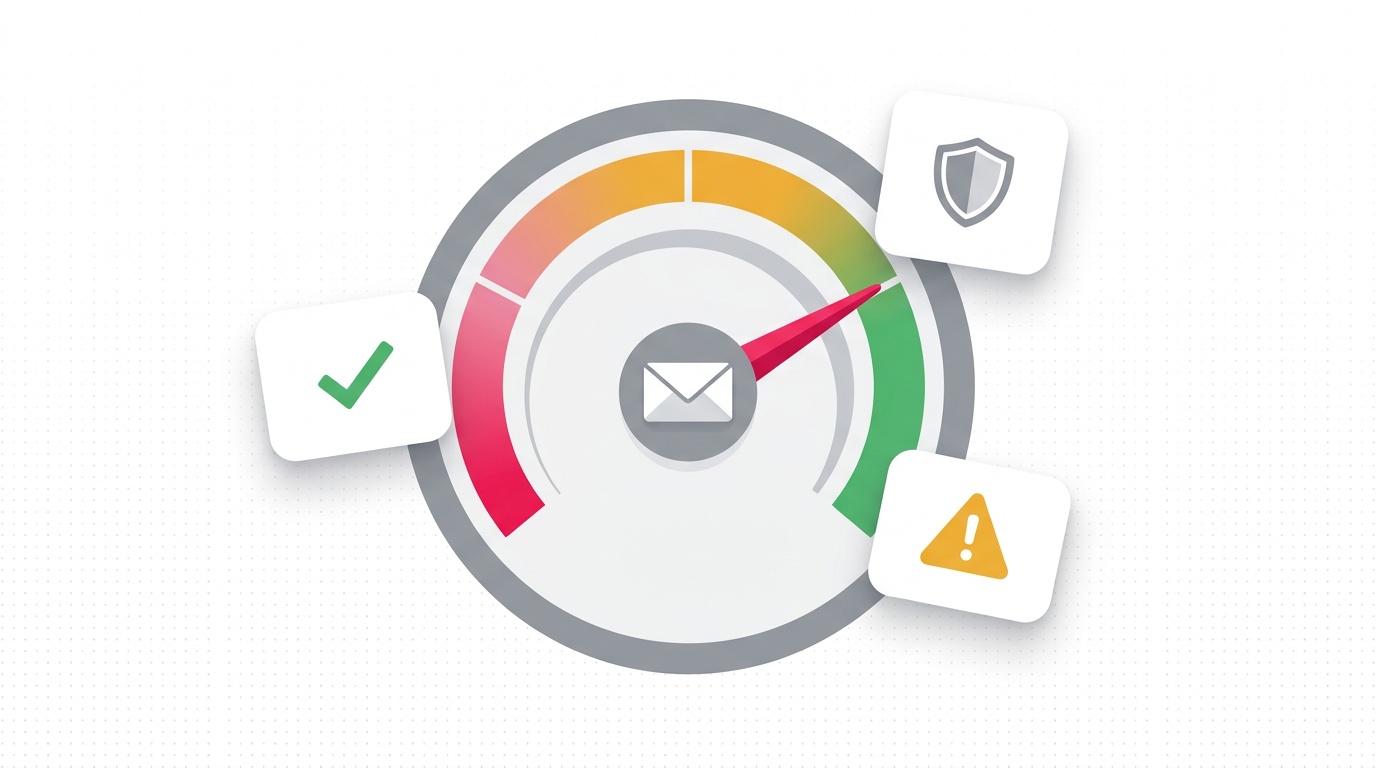
Email Spam Score: What It Is and How to Fix It
Your email spam score is a number assigned by spam filters — primarily SpamAssassin — that determines inbox vs. junk folder placement. Below 5 is safe; above 10 means blocked. This guide covers how spam scores are calculated, how to check yours free, and 10 concrete fixes: SPF/DKIM setup, list cleaning, content fixes, and blacklist removal.
How to Check Domain Reputation and Fix Email Deliverability Issues
Your domain reputation determines inbox placement. Discover how to monitor your sender score, identify deliverability issues early, and implement fixes that protect your email marketing ROI from spam folder disasters.
Ready to find your next customers?
Search 10M+ verified B2B contacts and launch cold outreach campaigns with our free email deliverability tools.